
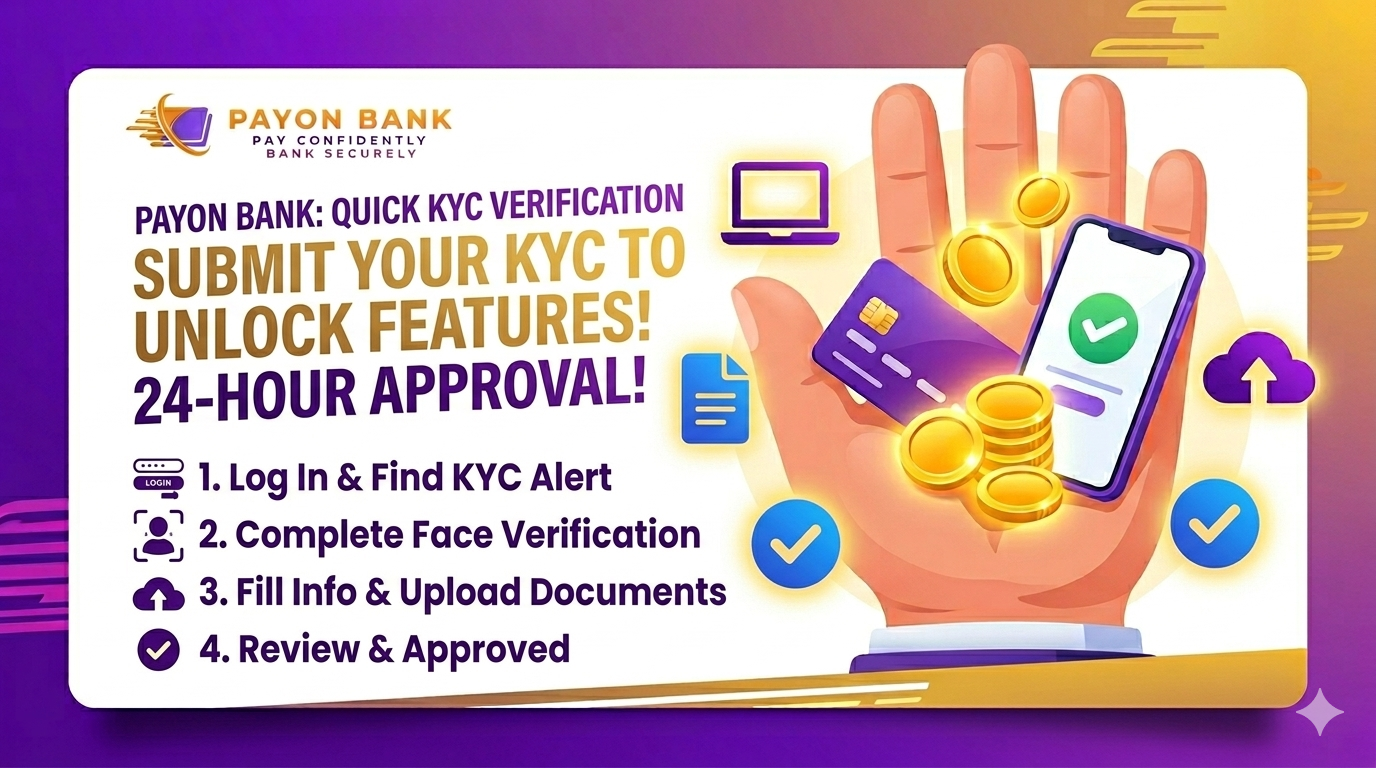
To submit your KYC verification, you first need to log in to your account. After logging in, you will see a message saying, “You have not submitted KYC verification yet.” Click on the “Submit” button next to it.
Then, select the “Face Verification” option and record yourself reading the instructions shown on the screen in front of the camera. After completing the face verification, fill in the remaining required information and upload the necessary documents.
Our verification team will review your submitted documents and verify your account within 24 hours.
If your KYC submission is rejected, the reason for rejection will be clearly mentioned. In that case, you will need to correct the issue and resubmit the required documents.